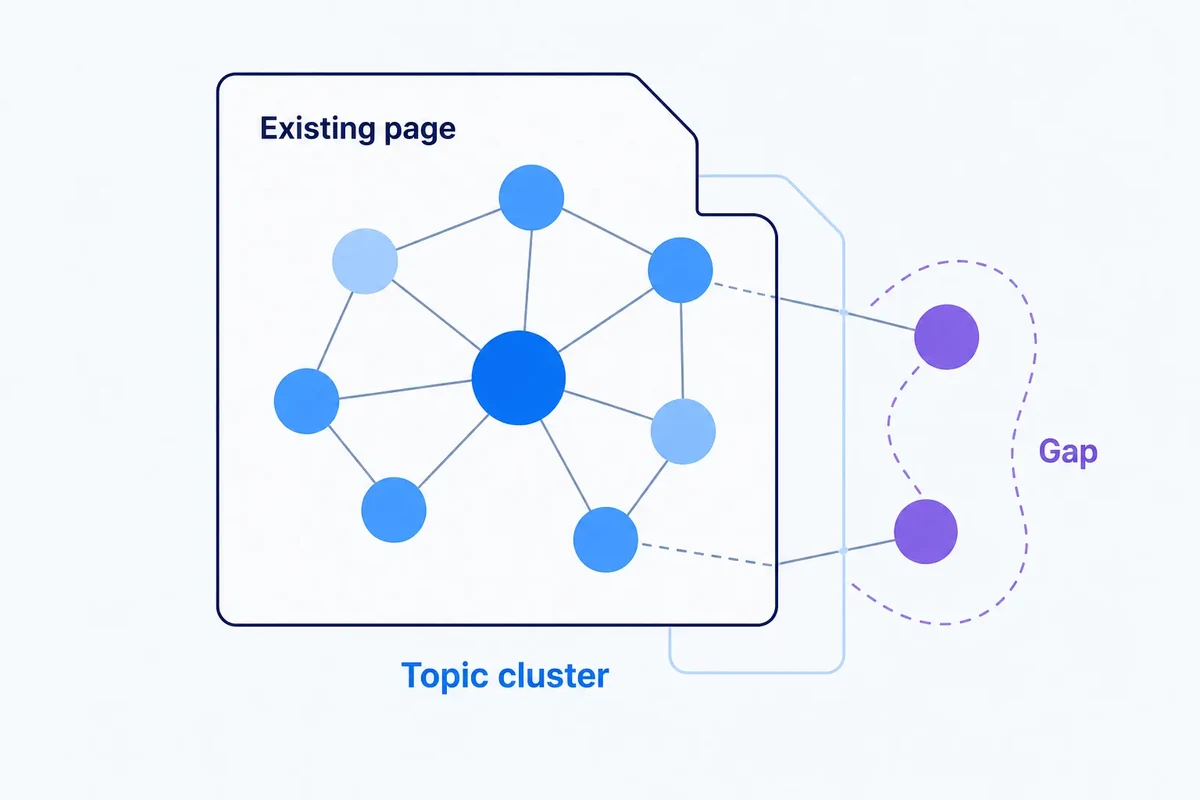
Building internal links from topic graphs without turning the site into a mesh
Topic graphs can reveal useful internal-link opportunities, but linking every related page to every other page creates noise. Learn how to use graph evidence selectively.

Farky Rafiq
Founder of ClusterIQ
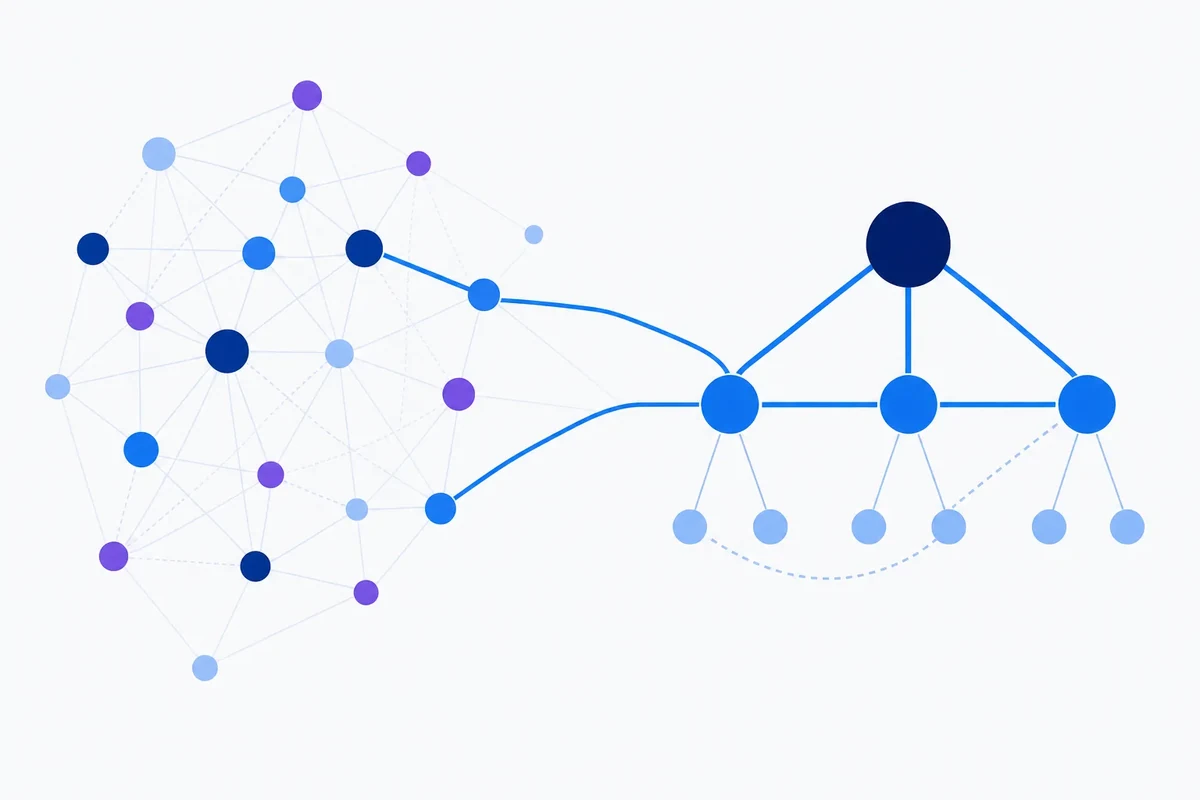
A topic graph can make it look like every page on your site is related to dozens of others. That doesn't mean every one of those relationships deserves a hyperlink.
Internal linking works when it helps a visitor move to a genuinely useful next step, and helps search engines discover and understand how the site fits together. Turn every semantic connection into a link, though, and you end up with a dense mesh that's hard to read and even harder to manage.
The graph is a candidate generator, not a decision-maker
In a content graph, pages or topics become nodes and relationships become edges.
Those edges can come from:
- semantic similarity;
- shared entities;
- parent-child taxonomy;
- cluster membership;
- existing user journeys;
- shared queries.
Each edge is really just saying "there might be a useful relationship here". It's not saying "insert a link now".
Start with hierarchy
The most defensible internal links tend to reflect clear structure:
- child to parent;
- parent to its important children;
- closely related siblings;
- supporting guide to commercial page;
- commercial page to relevant supporting content.
That gives the graph direction and purpose, instead of treating the whole site as one undifferentiated network.
Google's guidance is deliberately simple
Google recommends crawlable <a> links with descriptive anchor text, and says every page you care about should have a link from at least one other page on the site.
Notice what it doesn't say: maximise link count. The practical goal is useful, discoverable relationships, not volume.
Use centrality carefully
Graph centrality can help you spot hubs and bridges, which is handy for prioritising pages that naturally connect several parts of a topic.
But a high-centrality page isn't automatically an internal-link hub in practice.
As we explain in our centrality guide, centrality describes a page's position within a particular graph construction. It's still down to you to decide whether that structural role actually makes sense for users.
Parent pages shouldn't try to link to everything
A broad hub page with 80 child topics doesn't need 80 inline links crammed into it.
Use navigation, grouped modules and contextual links instead, and keep the page readable. A sensible priority order looks like:
- core child topics;
- high-value supporting resources;
- important conversion paths;
- bridge pages that connect adjacent areas;
- new pages that would otherwise be hard to find.
Contextual similarity beats global similarity
Two pages can be broadly related while having no natural sentence-level opportunity to link to each other.
"Keyword clustering algorithms" and "SEO forecasting" both live under SEO data science. That doesn't mean every article about one should link to the other.
Look instead for a real contextual reason:
- a concept being referenced;
- a method that needs deeper explanation;
- a natural next step for the reader;
- a contrasting approach worth flagging;
- a supporting example.
Anchor text should describe the destination
Descriptive anchors help readers understand what happens if they click.
Instead of:
read more here
go with:
see our guide to choosing a similarity threshold.
It also makes automated QA easier, since you can compare the anchor text against the target page's actual topic.
Use the graph to find orphan risks
One of the most valuable uses of a topic graph is spotting pages that are topically well connected in the model but poorly linked on the actual site.
For each page, compare:
- its topical neighbours;
- its actual inbound internal links;
- its actual outbound contextual links.
A useful page with plenty of strong topical neighbours but almost no internal links is worth a closer look.
Don't automate every link insertion
Automatic recommendations are much safer than automatic edits.
A link engine can propose:
- source page;
- target page;
- the reason for the relationship;
- a candidate anchor concept;
- confidence;
- whether the link already exists.
An editor can then approve the recommendations that matter.
On larger sites, deterministic rules can safely auto-approve low-risk patterns like parent-child navigation, while contextual body links stay in the review queue.
Measure links as part of the wider content system
Once you've implemented changes, keep tracking:
- orphan-page count;
- average internal links by page type;
- links pointing to important new pages;
- broken internal links;
- click-through on major navigation or content modules, where you can measure it;
- crawl and indexing changes for pages that were previously weakly linked.
The goal isn't a target number of links per article. It's a healthier, more navigable structure overall.
A graph-informed linking workflow
- Build topical relationships between pages or clusters.
- Overlay the current site's link graph.
- Find strong topical relationships that have no corresponding link.
- Prioritise parent-child, sibling and journey-relevant gaps.
- Generate contextual recommendations rather than indiscriminate links.
- Review anchor text and placement.
- Measure orphan reduction and crawlability over time.
Practitioner principle: the best internal-link graph isn't the densest one. It's the one that makes the site's important relationships easy to follow.
ClusterIQ Conclusion
Topic graphs can make internal-link analysis far more systematic. They surface related pages, missing pathways and structurally important concepts you might otherwise miss.
But the graph should stay a recommendation layer. Hierarchy, context and genuine usefulness to the reader are what decide which edges become real links.
Used that way, graph analysis helps you build a site that's connected without becoming noisy.
Sources and further reading
Farky Rafiq
Founder of ClusterIQ
I've worked in digital marketing since 2005 and founded Liquid Silver in 2011. These articles are where I share the methods, experiments and practical SEO thinking behind ClusterIQ.
Put the idea into practice with your own keyword data
ClusterIQ helps turn raw SEO exports into clean, structured working datasets you can inspect, refine, report on and take into the next stage of your workflow.
Keep reading
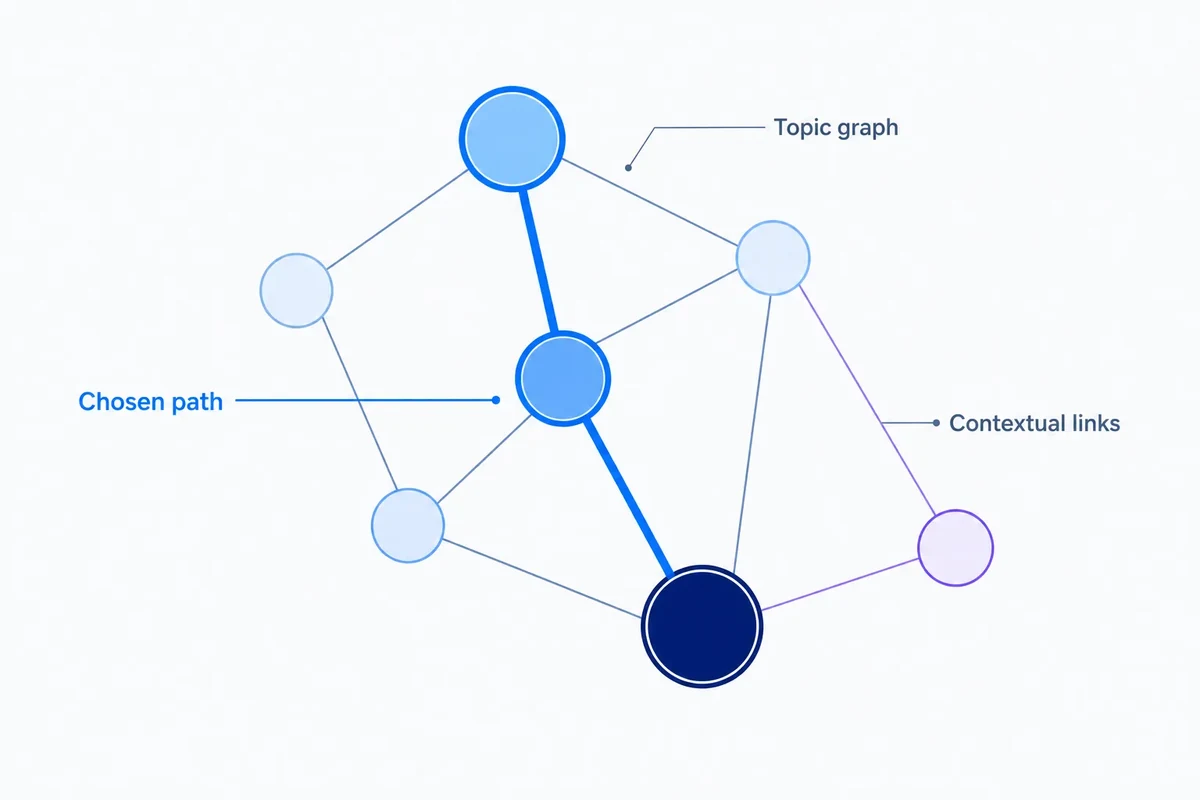
Breadcrumb design from topic clusters: using hierarchy without forcing the graph into a tree
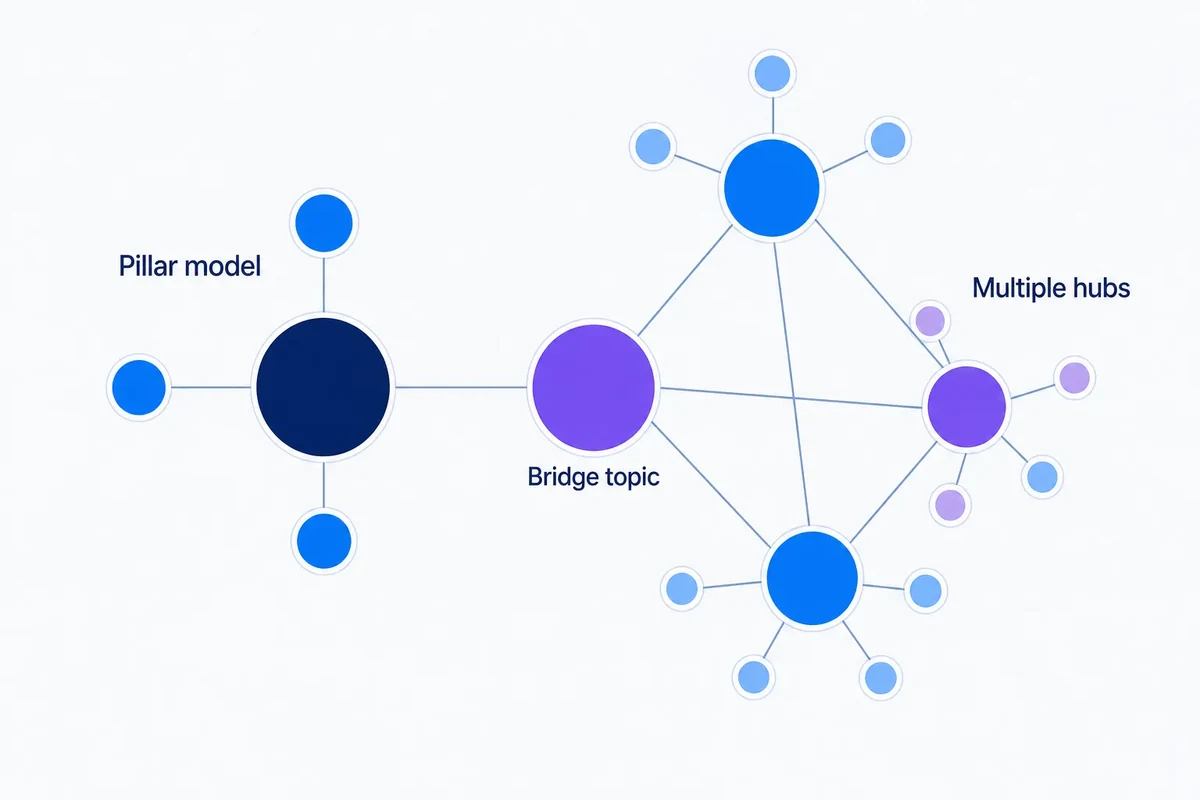
Pillar pages and topic clusters: when the classic content model breaks down