Clustering internal site search queries: learning from what users ask after they arrive
Internal search reveals vocabulary, unmet needs and navigation problems from users already on the site. Learn how ClusterIQ can group those queries without confusing them with Google demand.

Farky Rafiq
Founder of ClusterIQ
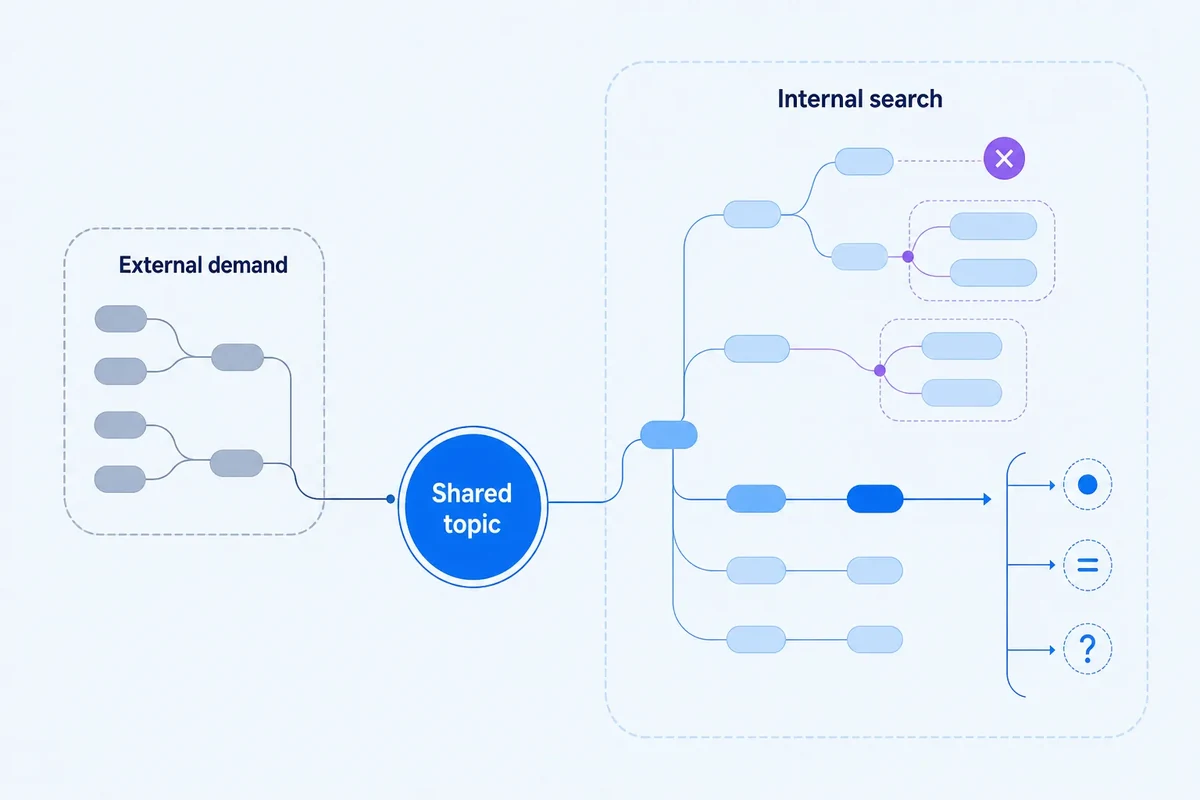
Standard keyword tools are excellent at showing us what people are looking for before they land on a website. However, internal site search data tells a different story: it reveals what users are asking once they have already arrived. These two datasets often overlap, but they serve very different purposes.
For ClusterIQ users, internal search is a goldmine for identifying navigation friction, specific product terminology, missing support documentation, and niche demand that external tools often underrepresent or miss entirely.
Keep internal and external search sources separate
It is a mistake to treat internal query counts as a proxy for Google search volume. Internal data reflects the specific behaviour of people who have already chosen your site, influenced by your unique navigation and product range. When importing data, ensure you preserve the source so your analysis does not accidentally mix these incompatible metrics.
Internal search language is highly contextual
The way people search inside a site is often quite different from how they search on Google. You will likely see a corpus heavy on entities and short phrases, including:
- Specific product codes or SKUs;
- Broad one-word categories;
- Direct support and troubleshooting questions;
- Brand names and sub-brands;
- Labels borrowed directly from your navigation;
- Technical terms learned from your own product descriptions.
Worked example: zero-result product searches
Imagine an ecommerce site where users frequently search for "800 black screen". The actual product catalogue uses the term "800mm matt black shower screen". Because the site's internal search engine has weak synonym handling, it returns zero results.
By using ClusterIQ to group these internal queries, you can see they belong to an existing product topic. This exposes a technical search problem to fix rather than a need to create a new SEO landing page.
Zero-result queries deserve a separate dimension
To get the most out of this data, you should track the outcome of each internal query. Note whether the search resulted in:
- Zero results;
- A single specific result;
- A broad list of results;
- A successful click;
- An immediate abandonment.
A high-frequency cluster that consistently returns zero results is a clear signal. It usually points to missing inventory, a need for better synonym mapping, or a total lack of relevant content.
Cluster reformulations into one need
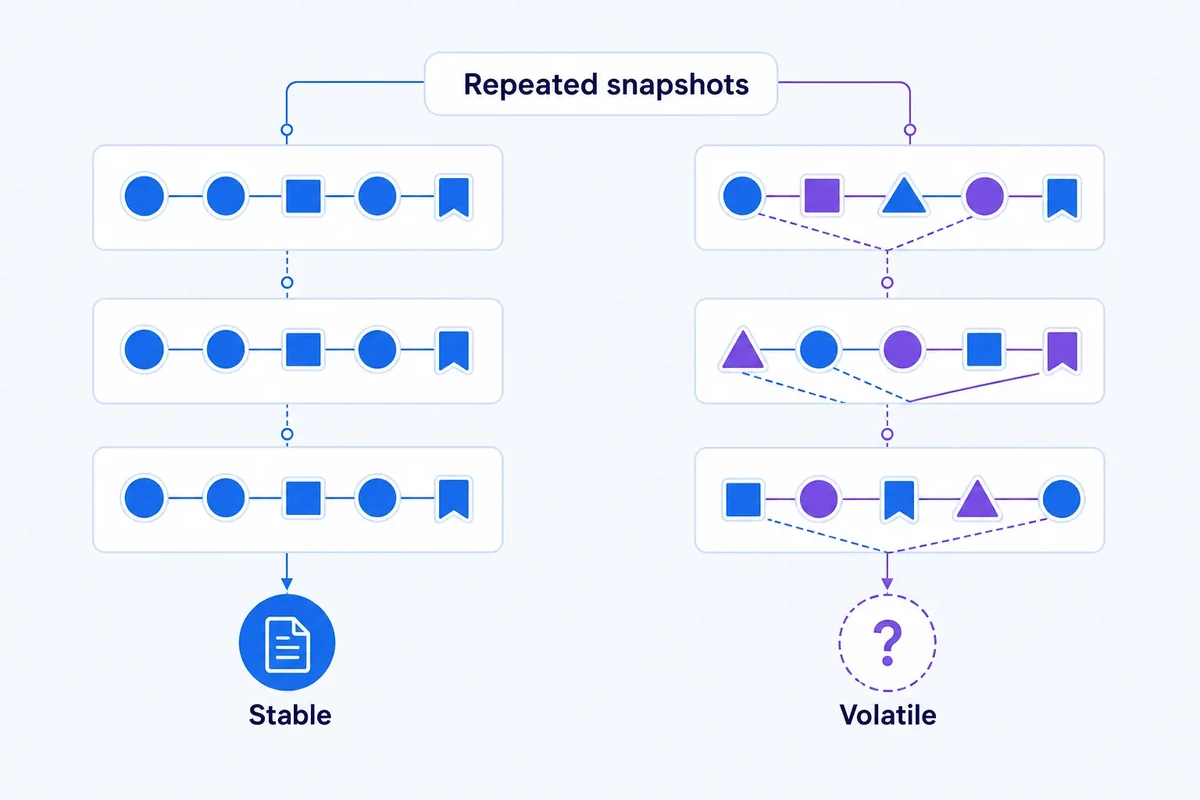
Users often try several variations to find what they want. Someone might type "refund", then "return product", and finally "returns policy" in a single session. These aren't three separate interests; they represent one unsuccessful journey. Clustering these session-level reformulations helps highlight where your onsite terminology is out of sync with how your customers actually speak.
Use onsite demand to challenge navigation labels
If your data shows users are constantly searching for a concept that already exists in your main menu under a different name, you have a discoverability issue. Your internal search synonyms provide excellent category naming evidence that can make your navigation more intuitive.
Internal search can validate external clusters
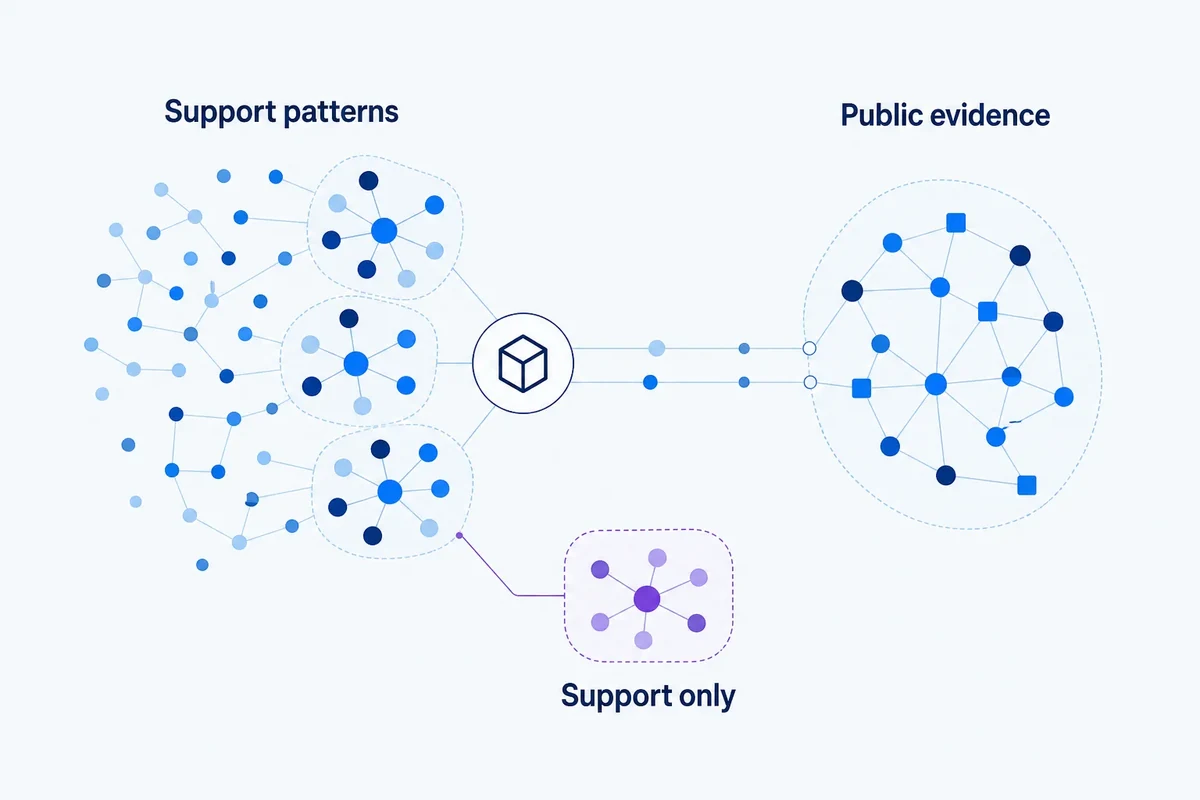
When you see the same topic appearing in Google Search Console, third-party research tools, and your own internal search logs, you can be highly confident the demand is genuine. ClusterIQ allows you to keep these metrics distinct while connecting them through a shared topic ID for a unified view.
Onsite queries can expose post-purchase needs
Internal search is often used by existing customers rather than new prospects. They search for things like:
- Installation guides;
- Warranty details;
- Returns procedures;
- Spare parts;
- PDF manuals;
- Product compatibility.
These clusters are invaluable for informing your support architecture and customer retention strategy, even if they don't directly drive new organic acquisition.
Do not create external landing pages from internal demand automatically
Just because a term is popular internally doesn't mean it should be a public SEO landing page. Many internal searches come from logged-in users managing orders. This content is vital for the user experience but may not represent a viable organic search opportunity for a public-facing page.
Use click-through inside the site as evidence
If a cluster of queries consistently leads users to one specific page, that destination is your best candidate for page mapping. Conversely, if users search and then immediately leave or try a different term, your current results for that topic are likely failing them.
Session context can disambiguate short queries
A search for "delivery" carries much more meaning if the user just viewed a specific product page. Where your analytics and privacy settings allow, use this session context to understand the intent behind short, ambiguous internal queries.
Protect personal data
Internal search logs are messy. They often contain sensitive information like email addresses or order numbers typed in error. Always sanitise your data before importing the corpus into ClusterIQ to ensure you are only retaining what is necessary for your SEO and UX research.
Track cluster trends after navigation changes
Success in site search often looks like a drop in volume. If you improve your menu or add a smart synonym, users may no longer need to search to find what they want. In this context, a declining cluster can actually be a sign of a better product experience.
Connect internal-search clusters to actions
Every cluster should lead to a practical outcome, such as:
- Adding a new synonym to the site search engine;
- Updating navigation labels for better clarity;
- Creating new content to fill a genuine gap;
- Improving product metadata;
- Developing new support resources;
- Deciding that no SEO action is required.
Practitioner principle: internal search is evidence about users inside your site. Connect it to external demand without pretending the two datasets measure the same thing.
ClusterIQ Conclusion
Internal site search provides a vital behavioural layer that external tools cannot replicate. By clustering these queries alongside result and click data, you can uncover terminology gaps and navigation friction that would otherwise remain hidden, allowing for a much more responsive SEO and content strategy.
Connect internal search clusters to the result experience
A sophisticated analysis goes beyond the text of the query. For every recurring cluster, you should examine the experience the user had: did they see a "no results" page, a cluttered list, or the exact product they needed? Did they click, or did they immediately try a different search term?
This distinction helps you separate vocabulary issues from content gaps. If "wall mounted vanity" returns nothing but you have plenty of "wall hung vanity" units, you have a synonym problem. If you have neither, you have a stock or content gap. By monitoring these clusters over time, you can validate your fixes. If a new synonym works, you should see result quality go up and reformulations go down, providing a clear measure of success for both UX and SEO teams.
Sources and further reading
Farky Rafiq
Founder of ClusterIQ
I've worked in digital marketing since 2005 and founded Liquid Silver in 2011. These articles are where I share the methods, experiments and practical SEO thinking behind ClusterIQ.
Put the idea into practice with your own keyword data
ClusterIQ helps turn raw SEO exports into clean, structured working datasets you can inspect, refine, report on and take into the next stage of your workflow.
Keep reading
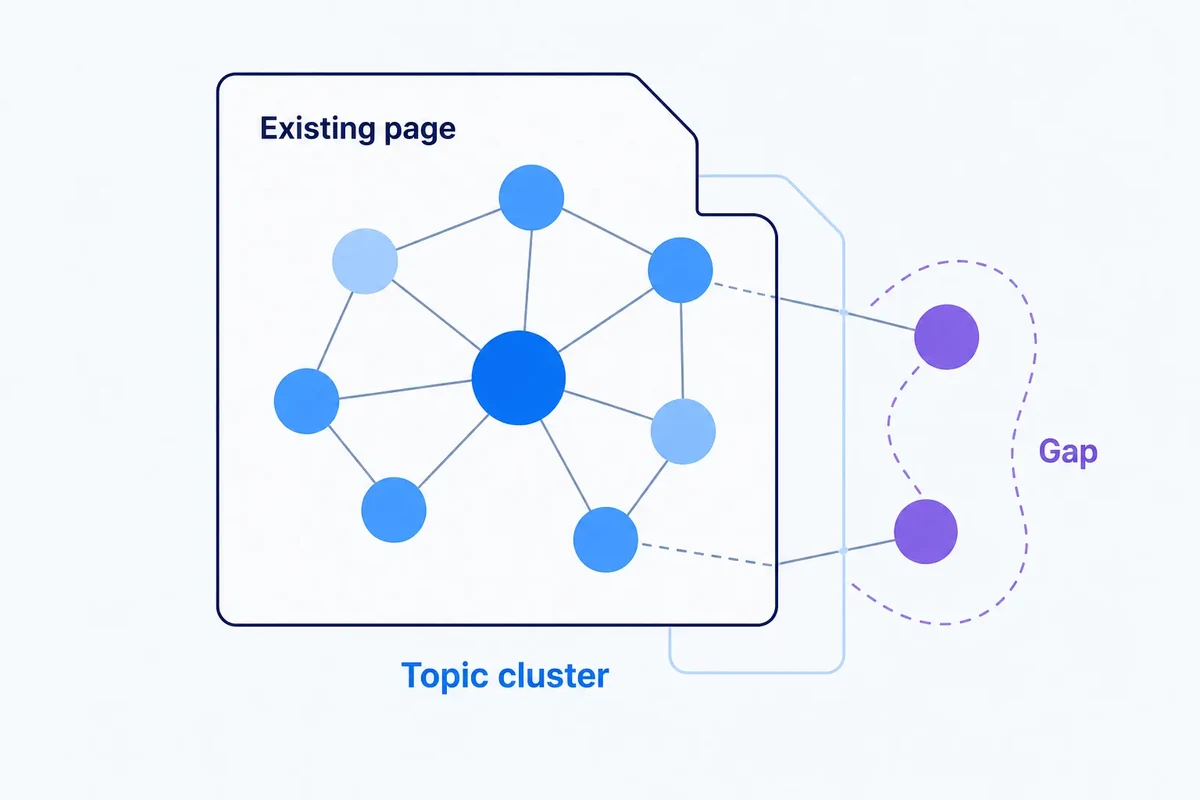
Content gap analysis with keyword clusters: finding missing coverage without manufacturing articles