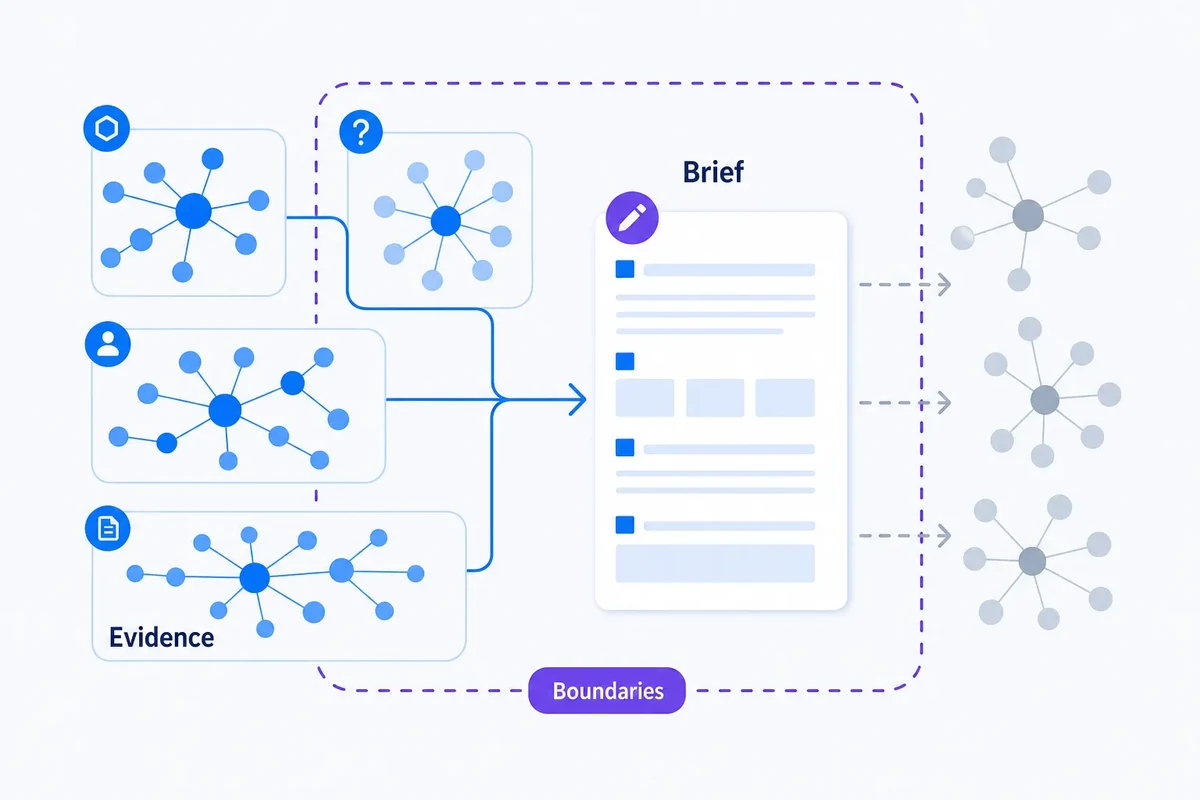
Low-impression long-tail queries: how clustering turns sparse Search Console rows into useful evidence
Long-tail Search Console rows can look individually insignificant. Learn how clustering exposes repeated themes without pretending sparse data is more complete than it is.

Farky Rafiq
Founder of ClusterIQ
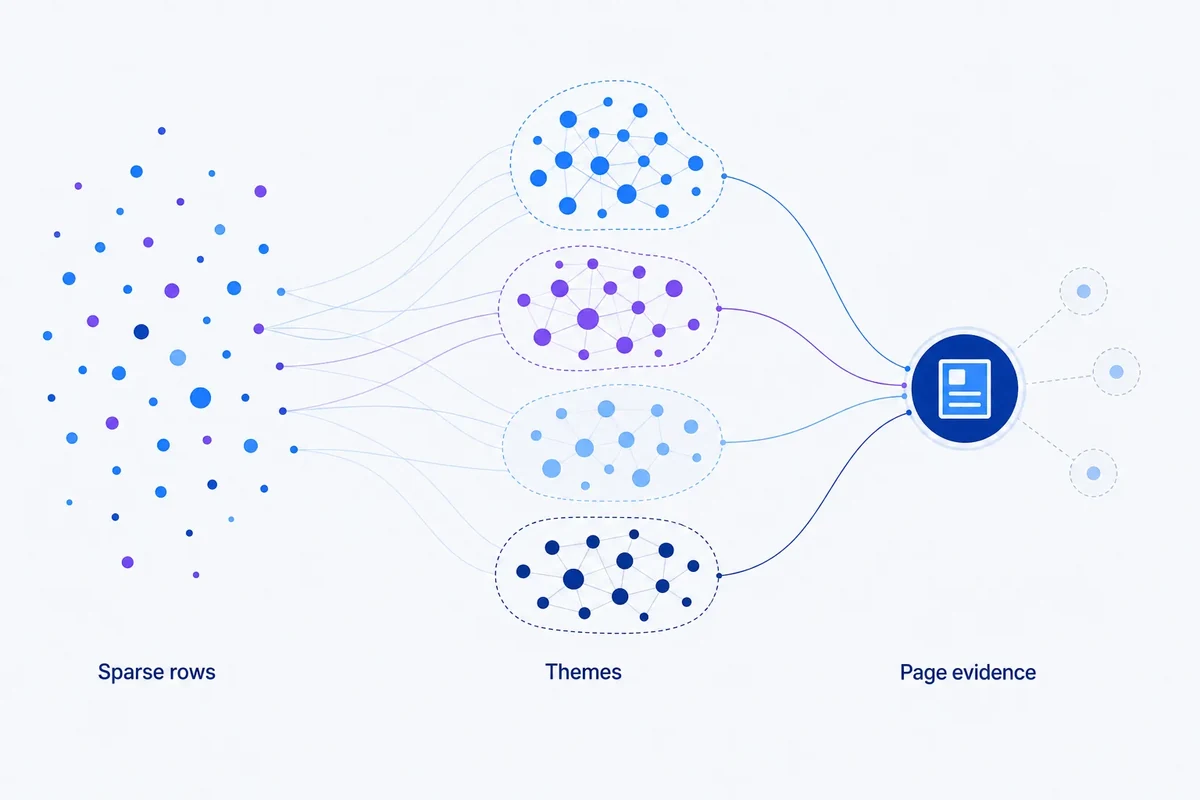
When you export data from Google Search Console, you are often met with thousands of rows showing just one or two impressions. Individually, these queries look like noise. They are too small to justify a dedicated landing page and too volatile to base a forecast on. However, when you stop looking at them as isolated rows and start viewing them as groups, they reveal the specific questions, product attributes, and emerging problems your audience is actually facing.
ClusterIQ helps you make sense of this sparse long-tail data. The goal isn't to pretend these tiny numbers represent massive untapped goldmines, but to turn fragmented data into usable evidence for your content strategy.
Why the long tail is difficult to analyse
Working with low-impression queries presents several hurdles:
- Small numbers are naturally volatile and prone to fluctuations.
- Many specific phrases may only appear once in a reporting period.
- Google anonymises a significant portion of very specific query data for privacy.
- Variations in spelling and phrasing make manual sorting impossible.
- It is difficult to know which tiny rows deserve your attention.
Clustering addresses the issues of variation and prioritisation, even if it cannot fix the underlying data limitations of the source.
Group meaning before summing metrics
A common mistake is to simply filter for a keyword like "delivery" and sum the impressions. This is too blunt. Instead, you should build semantic or lexical groups first, then look at the total weight of that group.
By doing this, you move from having fifty disparate rows to a single, coherent unit like "International shipping costs for bulky items". This gives you a clear topic to address rather than a list of fragmented phrases.
Long-tail clusters can expose questions the page does not answer
A well-optimised page might rank for broad terms, but the long tail reveals where the content falls short. You might see clusters forming around compatibility, specific dimensions, or troubleshooting steps for niche use cases.
These groups often suggest that you don't need a new article for every query. Instead, they might signal the need for a new FAQ section, a technical table, or a better internal link to a support document.
Worked example: 120 small queries
Suppose a single product page is ranking for 120 different queries, each with fewer than 20 impressions. In a spreadsheet, this looks like a mess. ClusterIQ can categorise these into functional themes:
- Installation steps: 43 queries;
- Sizing and fit: 31 queries;
- Replacement parts: 28 queries;
- Cleaning and maintenance: 18 queries.
Suddenly, you have a brief. You can see exactly which sections of the page need more detail to satisfy the users who are already finding you.
Do not treat summed impressions as exact market size
It is important to remember that Search Console shows your performance, not total market demand. Summing these rows tells you how much visibility you captured under specific conditions. It is not a replacement for keyword research tools that estimate total search volume.
ClusterIQ's Search Console aggregation guide explains these limitations in more detail.
Use minimum cluster evidence
Not every group is worth your time. A cluster of two obscure queries might just be an outlier, whereas a pattern of fifty related terms suggests a recurring user need. When evaluating these groups, look at the query count, the combined impressions, and how many months the pattern has persisted. Business relevance should always be the final filter.
Recurring low-volume demand can be more useful than a one-off spike
A small cluster that appears consistently every month often represents a stable, evergreen need. Conversely, a larger cluster that appears only once might just be a temporary trend or a news event. ClusterIQ helps you maintain this temporal context so you don't chase "ghost" opportunities that have already passed.
Long-tail queries can improve cluster labels
High-volume "head" terms are often vague. The long tail is where the detail lives. It contains the modifiers that tell you the user's intent: their location, their specific problem, or the competitor they are comparing you against. These details help you understand what your broad clusters actually mean.
Use low-volume queries to test page completeness
If a specific URL is attracting a cluster of questions it doesn't actually answer, that is a clear signal for a content update. This approach links long-tail analysis directly to page-level query clustering, ensuring your existing pages work harder for you.
Do not publish one page per long-tail group
Just because you have found a cluster doesn't mean you need a new URL. Depending on the intent and the business value, the right move might be a new paragraph, a dropdown FAQ, or simply doing nothing if the topic is too far removed from your goals.
Use confidence when the data is sparse
Clusters built from low-impression data require a cautious approach. ClusterIQ can flag these groups as exploratory. This allows you to monitor them over time to see if the semantic relationship holds up as more data trickles in.
Outliers can be particularly interesting
An isolated query might be a typo, or it might be the very first sign of a new competitor or a new way people are using your product. We recommend keeping these outliers in a "holding area" to see if they eventually form a cluster. This follows the standard logic of outlier review.
Use the page and topic graph together
A small query group is much more convincing when it maps to a stable parent topic and a specific page on your site. If a group sits in isolation with no clear connection to your existing content, it may not be worth the investment yet.
A practical workflow
- Import your Search Console data, including both queries and pages.
- Keep your date filters consistent to see recurring patterns.
- Use semantic clustering to group the low-impression queries.
- Aggregate the metrics only after the groups are formed.
- Identify which pages "own" these clusters.
- Decide whether to add content, create a link, or just monitor.
- Check back later to see if exploratory groups have grown.
Use long-tail demand as research evidence
These clusters are excellent for more than just SEO. They can inform your product roadmap or your customer support documentation. They show you the exact language customers use when they are struggling to describe a problem. ClusterIQ surfaces these insights without cluttering your main publishing schedule.
Practitioner principle: sparse rows become useful when they repeat a coherent need. Clustering should reveal the pattern without pretending the data is more certain than it is.
ClusterIQ Conclusion
Low-impression queries in Search Console are a goldmine of detail, but they are impossible to process manually. By organising the long tail into meaningful themes, ClusterIQ allows you to see the bigger picture. The real value lies in identifying repeated user needs and connecting them back to your pages, rather than inflating small numbers into false opportunities.
Sources and further reading
Farky Rafiq
Founder of ClusterIQ
I've worked in digital marketing since 2005 and founded Liquid Silver in 2011. These articles are where I share the methods, experiments and practical SEO thinking behind ClusterIQ.
Put the idea into practice with your own keyword data
ClusterIQ helps turn raw SEO exports into clean, structured working datasets you can inspect, refine, report on and take into the next stage of your workflow.
Keep reading
Keyword cannibalisation: how clustering helps find overlap without inventing a problem
Building a Search Console query-page matrix for cluster analysis